Google PlayAndroid PWA → TWA / Bubblewrap
Store-ready
Prepare WishingFair for Google Play and the App Store
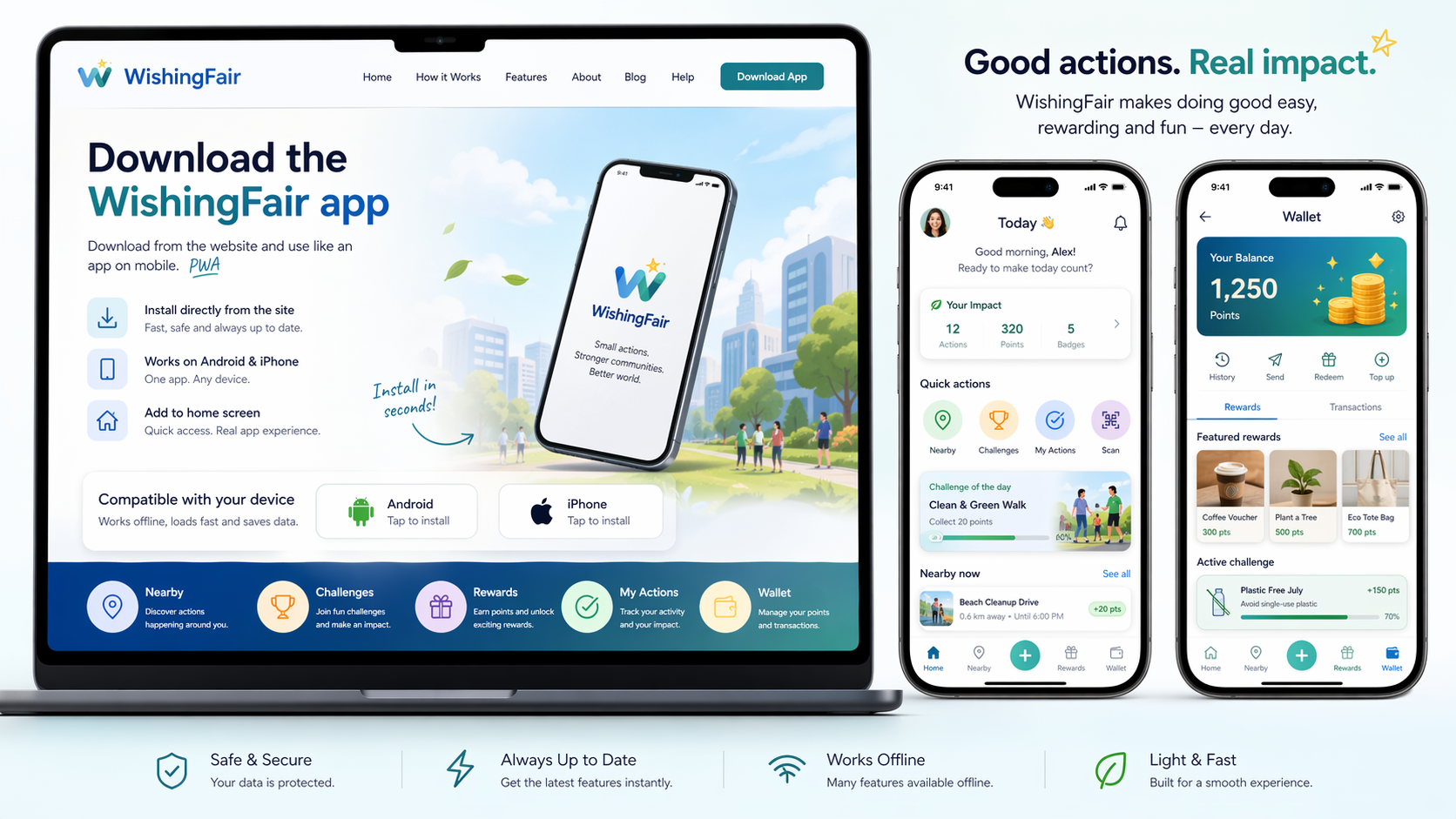
The install flow, visuals, icons and browser guidance are now aligned for live user testing, Android packaging and iPhone preparation.
App StoreiPhone web app → wrapper / TestFlight
Android / Google Play
PWA first. Then package with Bubblewrap / Trusted Web Activity, configure Digital Asset Links and upload the AAB to Play internal testing.
Apple / App Store
For iPhone, use the web app in Safari now. Next step: prepare an iOS wrapper with Xcode / Capacitor and run TestFlight before App Store review.
Browser support
Supported install / launch flow: Chrome, Edge, Samsung Internet, Firefox and Safari. The site stays usable on desktop and mobile.
- Chrome
- Edge
- Samsung Internet
- Firefox
- Safari
Assets & policies
App icon, splash assets, screenshots, metadata, privacy / terms pages and support URLs are included in the current release round.
This release is ready for user testing and store-preparation round.Next practical step: test on Android + iPhone, collect feedback, then prepare the final Play Store / App Store packaging.