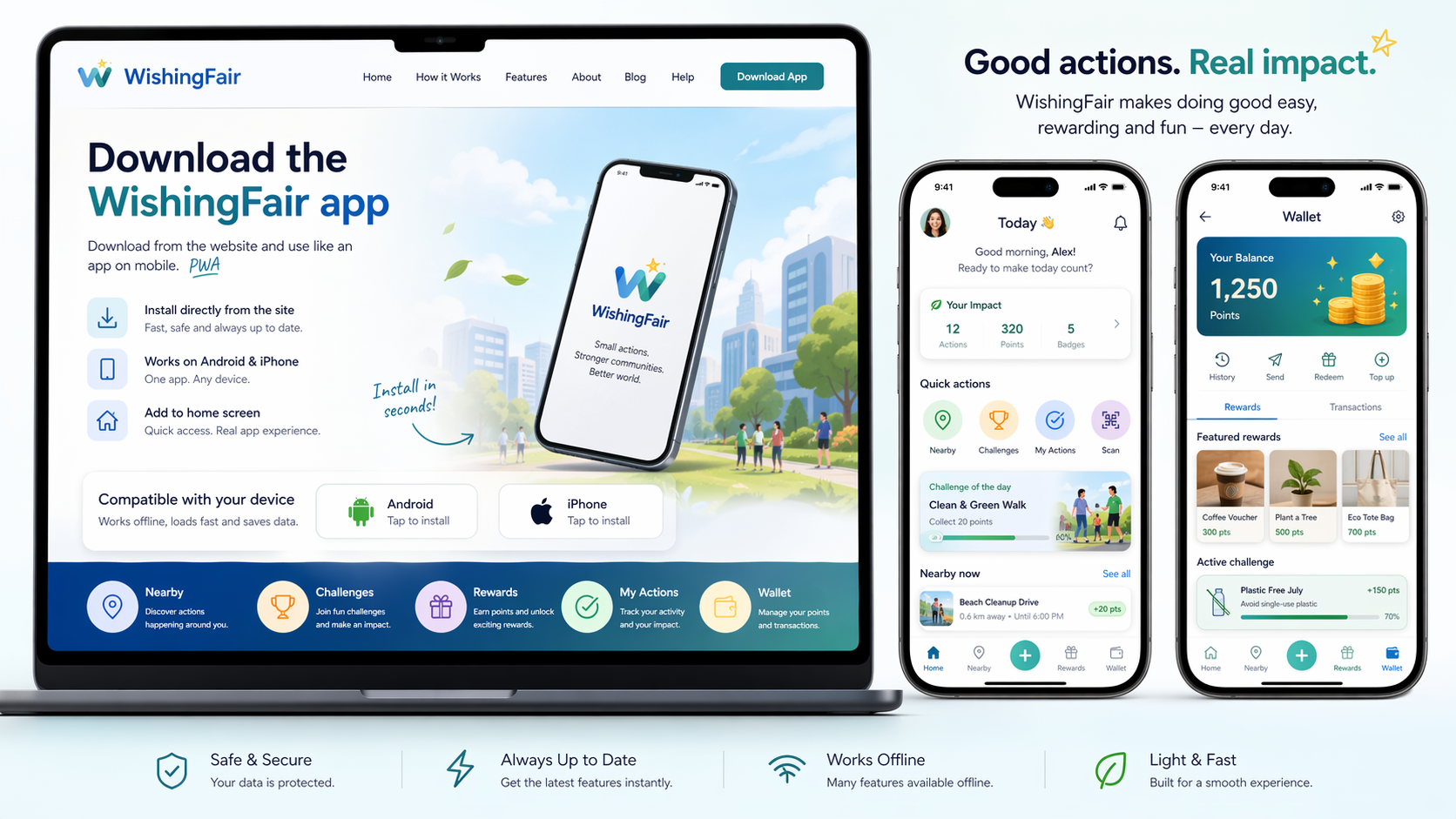
✅ Download-ready PWA
WishingFair est prête au téléchargement L’app peut être installée depuis le site sur mobile. Ouvrez cette page sur votre téléphone, touchez Télécharger app et utilisez WishingFair comme une app.
Ready to install Chrome · Edge · Samsung Internet · Firefox · Safari
1 Open on mobile Use Chrome, Edge, Samsung Internet, Firefox or Safari.
2 Tap Download app If a prompt appears, confirm the install. Otherwise use Add to Home Screen.
3 Open from home screen WishingFair launches fullscreen like a mobile app.
4 Test and send feedback Use the tester route, device test and feedback forms.
Download-ready checklist ✅ PWA manifest active
✅ App icons included
✅ Offline/service worker active
✅ Android install flow
✅ iPhone add to home screen
✅ Feedback route ready
Browser install support 🌐 Chrome Install prompt or menu → Install app.
🌐 Edge Menu → Apps → Install this site as an app.
🌐 Samsung Internet Menu → Add page to → Home screen or Install app.
🌐 Firefox Menu → Add to home screen / shortcut fallback.
🌐 Safari Share → Add to Home Screen.
Ready for real testers Send testers to /tester-launch/ or /app-download-ready/. They can install the app, follow the test route and submit feedback.
Tester Launch Beta Control
× Install WishingFair Open your browser menu and install or add WishingFair to your home screen.
Close
↑ Install WishingFair Android: open in Chrome, tap Install app / Add to home screen.
iPhone: open in Safari, tap Share, then Add to Home Screen.
Close
Install WishingFair × Open WishingFair from your browser and install it on your home screen.
🔔 Inbox ⌂ Aujourd’hui ⌖ À proximité ✓ Check-in ◇ Wallet ● Compte
×
W
WishingFair installeren
We controleren je browser en service worker.
Browser Controle...
Service worker Controle...
Install prompt Wachten...
Installeer als app
Service worker herstellen
Open app
Let op: een PWA download je niet als APK-bestand. De browser installeert hem via App installeren of Toevoegen aan beginscherm .
Service worker herstellen
Installeer WishingFair